
Video Controls
Advanced WordPress Dark Mode Video Controls
Ensure your videos look as polished in dark mode as the rest of your content with WordPress dark mode video controls from Darkify. Adjust brightness, apply grayscale, or replace videos entirely for a seamless, on-brand experience.
wp-admin — Darkify · Video Colors
Light mode: original video
Optimize video brightness and grayscale for dark mode
Toggle the switch to see the brightness and grayscale effects in action. These settings apply to all video types, including YouTube, Vimeo, Dailymotion, and self-hosted files.
Light mode: original video
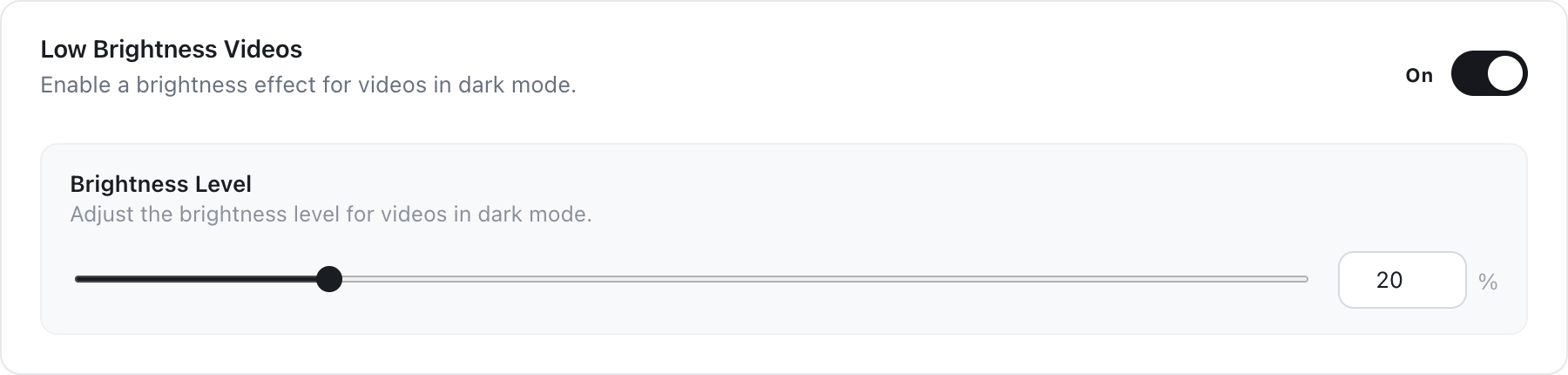
Low Brightness Video
Reduce the brightness of embedded videos when dark mode is enabled. This feature softens glare and enhances comfort during nighttime viewing, ideal for video-heavy websites aiming for a polished dark mode experience.
Brightness Adjustment
Define your primary and secondary background colors to align with your brand’s identity. Achieve a cohesive design with full control through Darkify’s dark mode color customization options.
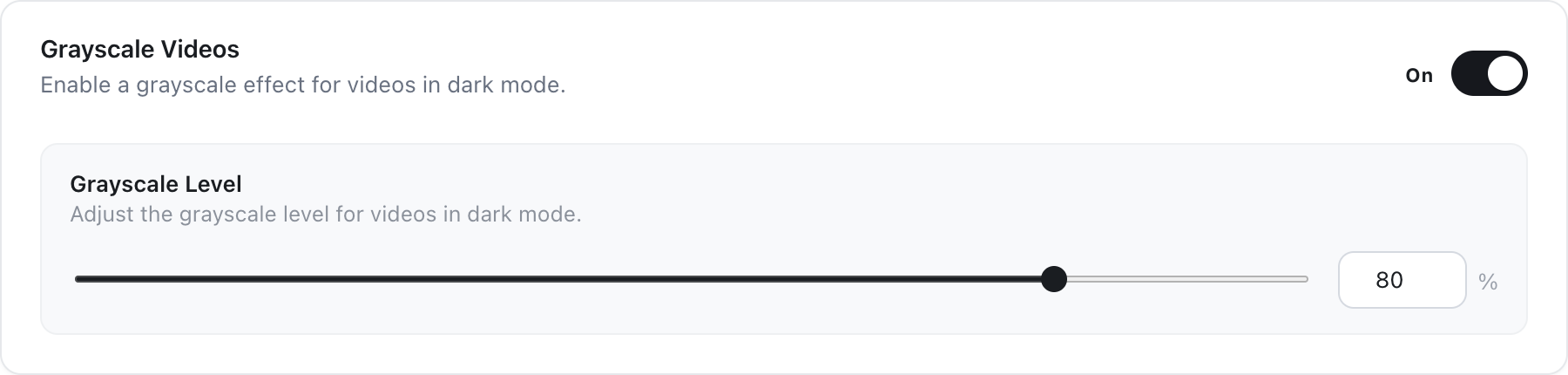
Grayscale Video
PRO
Convert your videos to grayscale when dark mode is active to create a sleek, distraction-free visual. This effect can add a more professional or uniform appearance across your content.
Grayscale Adjustment
PRO
Easily match button backgrounds and text colors to your theme. Use Darkify’s powerful customization tools to create bold, consistent calls to action across your site.
Pro
Replace videos for a customized dark mode experience
Toggle the switch to see one video source swapped for its dark mode version. Works with local files and with YouTube, Vimeo, and Dailymotion.
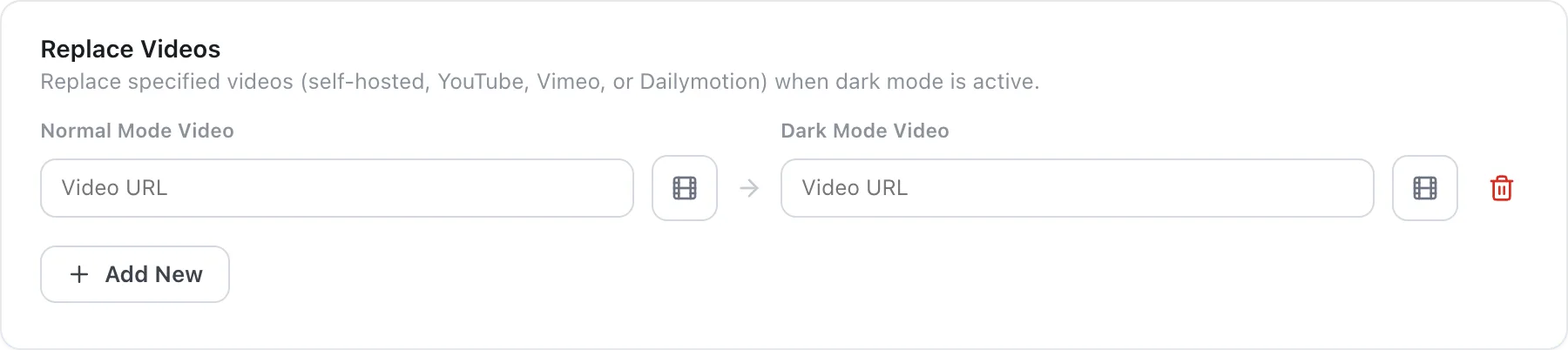
Replace Videos
Swap out standard videos with alternative versions specifically styled for dark mode. This feature helps maintain visual consistency and brand alignment when users switch between light and dark themes. It’s ideal for sites that use video to deliver tutorials, marketing content, or visual storytelling.
Flexible Video Sources
Darkify’s WordPress Dark Mode Video Control supports video replacement using both local media files and external platforms. You can seamlessly integrate dark mode versions of videos from YouTube, Vimeo, and Dailymotion, ensuring flexibility without compromising design integrity.
Light mode: showing the original video
WordPress Dark Mode Video Controls — Frequently Asked Questions
Still unsure? Talk to us.