
The Extras screen holds behaviours that do not belong anywhere else. Right now that means one setting — and it is the one that decides how embedded content behaves in dark mode.
Find it at Darkify → Advanced → Extras.
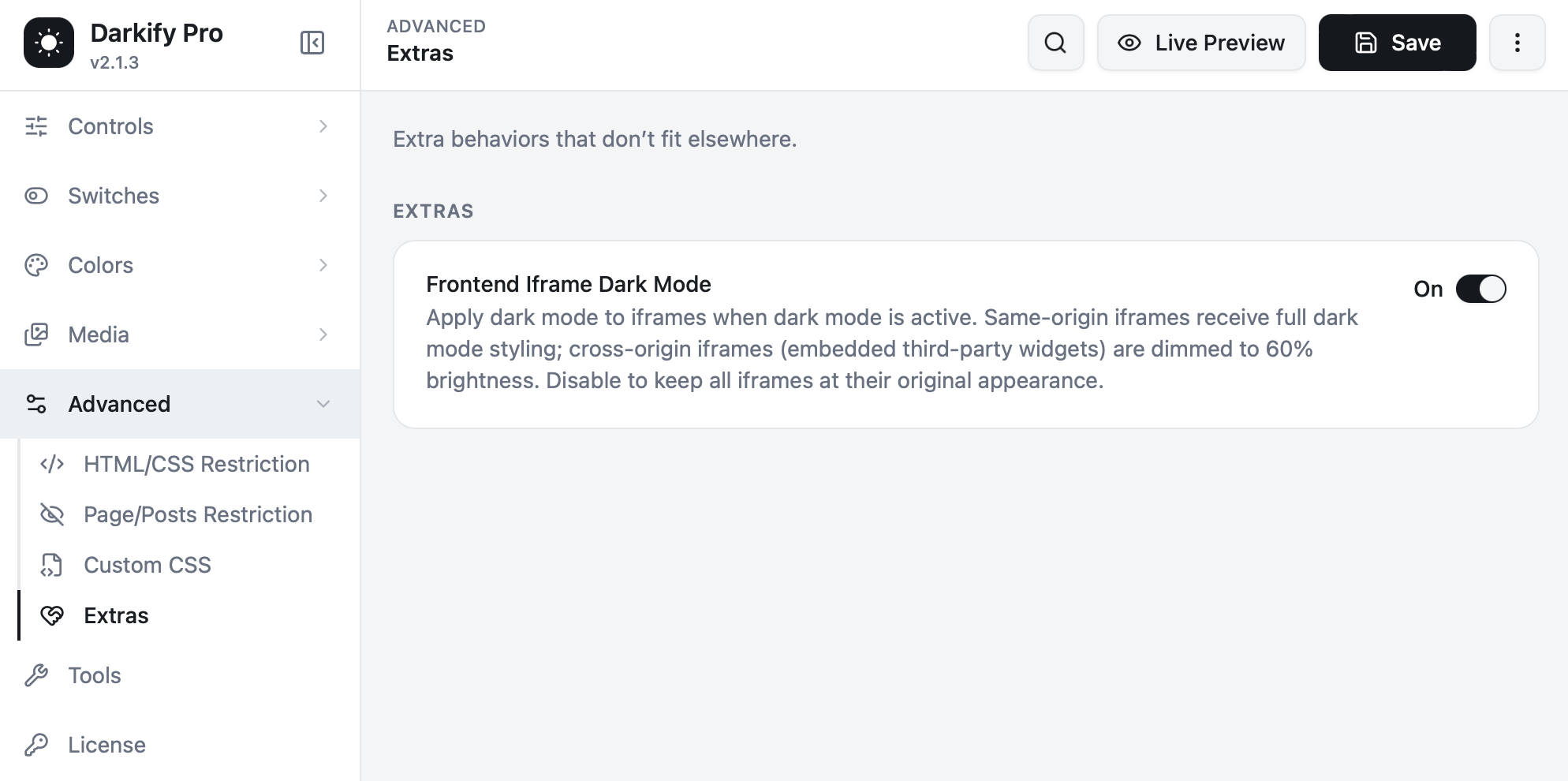
Frontend Iframe Dark Mode #
Applies dark mode to iframes while dark mode is active. Iframes are handled in two ways, because browsers treat them differently depending on where their content comes from:
- Same-origin iframes — content served from your own domain. These receive full dark mode styling, exactly like the rest of your page.
- Cross-origin iframes — embedded third-party widgets such as YouTube, Google Maps, booking tools or review badges. Browser security prevents any site from restyling their interior, so Darkify dims them to 60% brightness instead. They stop glaring, and they keep working.
Turn the setting off to leave all iframes at their original appearance.
Which should you choose? #
| Situation | Setting |
|---|---|
| Bright embeds glare against your dark pages | On (the default) |
| A payment or booking widget must look exactly as its provider designed it | Off, or exclude that specific iframe |
| You embed your own pages from the same domain | On — they get proper dark mode |
Need to exclude just one embed? Leave this setting on and add that iframe’s selector to Disallowed Elements under HTML/CSS Restriction. You keep the dimming everywhere else and leave the one widget untouched.
Why cross-origin iframes cannot be fully styled #
Browsers enforce a rule called the same-origin policy: a page can only read or modify content loaded from its own domain. That is what stops a malicious site from reading the contents of a payment form embedded from your bank. It also means no plugin — Darkify included — can reach inside a YouTube player to recolour its controls. Dimming the frame is the correct, standards-compliant approach, and it is what Darkify does.


