
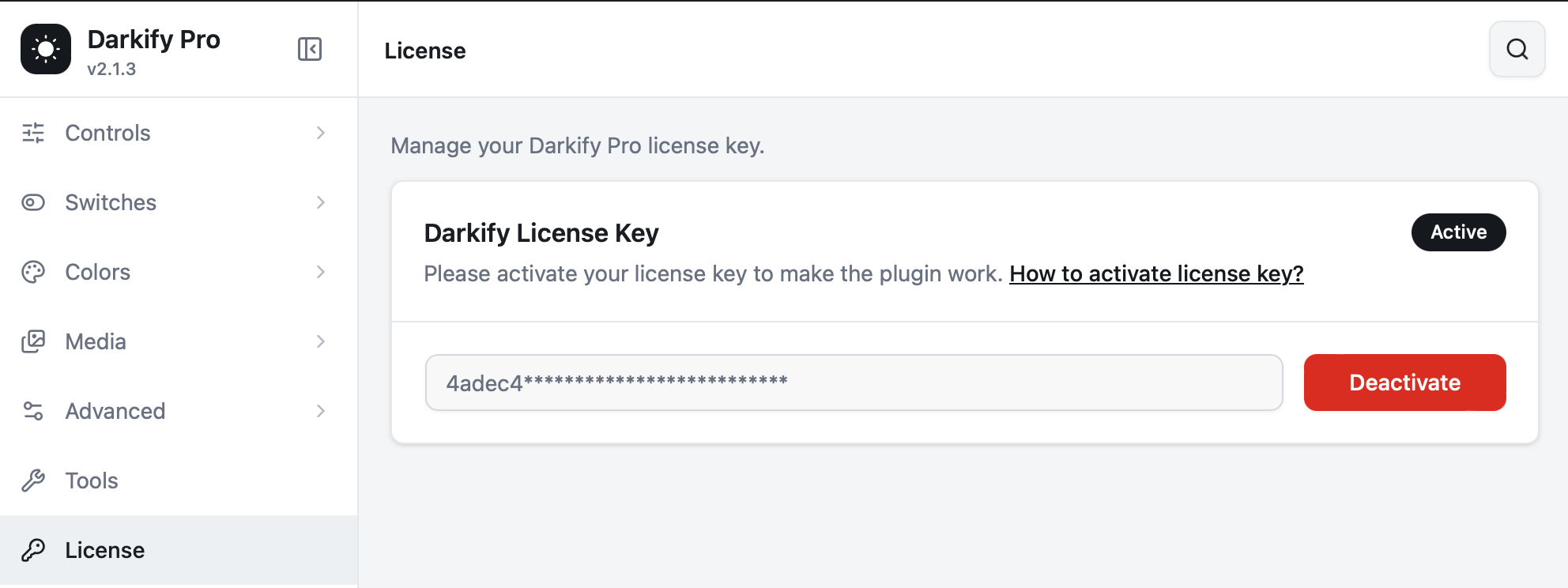
The License screen is where you activate, check, and release your Darkify Pro key. This article covers what happens after activation — renewals, upgrades, transfers, and what each plan covers.
For first-time activation, see Activating your license key.
What each plan covers #
| Plan | Sites | Includes |
|---|---|---|
| Single Site | 1 | All Pro features, updates and support |
| Five Sites | 5 | All Pro features, updates and support |
| Unlimited Sites | Unlimited | All Pro features, updates and priority support |
Every plan is available yearly or as a one-time lifetime purchase. Yearly plans include a year of updates and support; lifetime plans include both for as long as the plugin exists. Feature access is identical across tiers — only the number of sites and the support level differ.
All Pro purchases carry a 14-day money-back guarantee.
Renewing #
Yearly licenses renew automatically unless you cancel. You will receive a reminder before the renewal date, and you can manage or cancel the subscription any time from My Account → Subscriptions.
If a license lapses, your site carries on working exactly as configured. You simply stop receiving new versions and support until you renew — at which point updates resume with no reconfiguration.
Upgrading your plan #
Moving from Single to Five Sites, or from yearly to lifetime, is handled from your account, with the difference prorated against what you already paid.
- Sign in at themeatelier.net/account.
- Open Licenses and choose Upgrade.
- Pick the new plan and complete the payment.
Your existing key keeps working — the seat count simply increases. There is nothing to reinstall.
Moving a license between sites #
- On the site you are leaving, go to Darkify → License and click Deactivate.
- On the new site, paste the key and click Activate.
If you no longer have access to the old site, release the activation from My Account → Licenses, or ask support to free it.
Staging and development sites #
Common WordPress staging patterns — staging. and dev. subdomains, .local and .test domains — are recognised as development installs and do not consume one of your paid activations. If a staging URL is not detected, write to support, and we will whitelist it.
Pre-sale questions #
Not bought yet and wondering whether Darkify fits your setup? Send us the site URL through our contact form. We would rather tell you honestly before you buy than process a refund afterwards.


